

A low click-through rate can be a useful warning. It can also be an easy number to overreact to.
In Google Search Console, CTR describes the relationship between recorded clicks and recorded impressions in a selected report grouping and date range. It can tell you that a smaller share of recorded appearances became clicks. It cannot, by itself, tell you why the result was not selected or what business outcome followed a click.
Direct answer
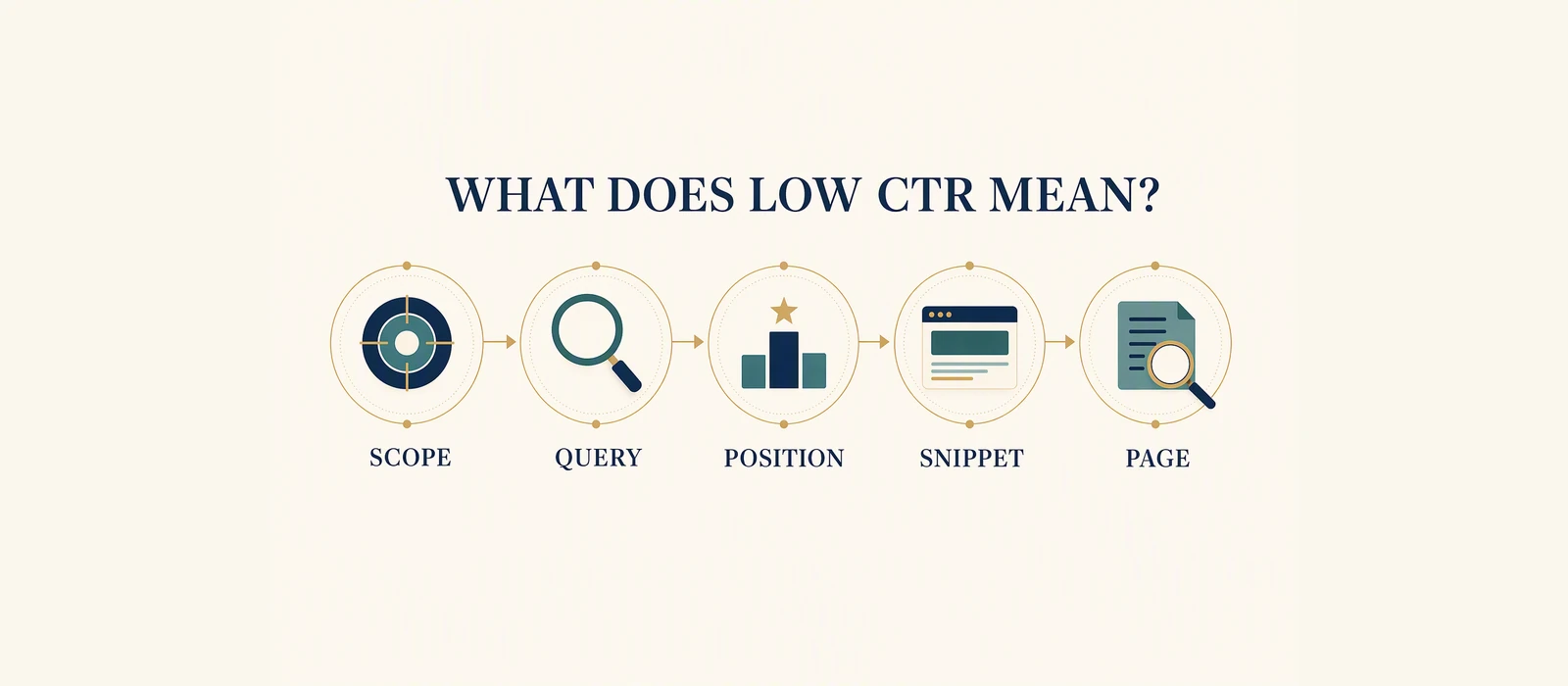
A low CTR means the result was selected relatively infrequently compared with the number of appearances recorded in that view. Treat it as a prompt to inspect the page, query, result wording, average position, and date range together.
Do not read low CTR as a verdict that the page is bad. Do not read it as proof that a title change will fix the issue. First check whether the impressions are relevant, whether the result promise matches the page, and whether a broad query mix is affecting the percentage.
CTR is a ratio, not a score
The calculation is simple:
CTR = clicks / impressions x 100The interpretation is not simple because both sides can move.
If clicks stay flat while impressions increase, CTR can fall because the denominator is larger. The extra impressions may come from queries, devices, locations, or positions where searchers were less likely to select the result. That does not prove that the page changed or that the title became worse.
If impressions stay similar while clicks fall, the selection relationship deserves attention. But even then, the number does not identify the cause. Query mix, result context, competing choices, seasonal interest, and page relevance may all matter.
This is why the percentage should never be read alone. Keep clicks, impressions, page, query, average position, and date range in the same note.
Four questions before changing the page
Is the impression relevant?
Open the query view. Are the impressions connected to the problem, service, product, or audience the page is designed to answer? If the page is collecting incidental queries, a low overall CTR may not be a copy problem.
Does the result explain the answer?
Read the title and description as a searcher would. Does the wording make the page’s scope clear? Does it set an expectation the page actually meets? Avoid writing a stronger promise than the page can support.
What does the average position hide?
Average position is a summary across recorded impressions. It is not a fixed rank. A page may appear in different contexts for different queries, devices, locations, and times. A grouped average can therefore conceal a mixed set of opportunities and weak fits.
What action is supported?
The appropriate action may be a result-wording review, a content review, an internal-link review, an ownership check, a technical investigation, or no immediate change. CTR alone cannot choose between them.
Worked illustrative example
Worked illustrative example – anonymised GSA Growth demonstration. This observed report row is used to show how to read a low CTR. It is not a benchmark, forecast, or guaranteed recovery opportunity.
The row records 4,200 impressions, 12 clicks, 0.29% CTR, and average position 8.4. The percentage follows from the relationship between the two counts:
12 / 4,200 x 100 = approximately 0.29%The defensible conclusion is that the result appeared often in the selected window and was selected relatively infrequently in that grouping. That is enough to justify inspection. It is not enough to say the title caused the low CTR, the page was irrelevant, or a rewrite will recover a known amount of traffic.
Start by opening the query list. If one clear intent dominates, compare that query’s wording with the result and page. If the row combines different intents, separate the relevant view before deciding. A low rate across unrelated queries may be less actionable than a low rate for one important, well-matched query.
The average position adds context, but it does not settle the issue. An average of 8.4 does not mean every searcher saw the page at position 8. It is a summary of the recorded appearances in the chosen grouping. The page still needs to earn selection in the context where it appears.
What a low CTR can lead you to inspect
Search intent
The query may be informational while the page is commercial, or the query may seek a local answer while the page is broad. One primary intent per page makes this comparison easier.
Result promise
The title and description may be vague, too broad, or disconnected from the question. A clear description should help the searcher understand what the page contains without making an unsupported claim.
Page opening
The page should confirm the result promise quickly. A visitor should not have to decode the page to find out whether it answers the query.
Query and page ownership
Several URLs may be appearing for overlapping intent. If so, changing the title of one page may not solve the underlying ownership problem. Decide which existing page should answer the intent before creating a competing URL.
Report scope
The selected date range, page filter, query filter, search type, and country or device view can affect the result. Record the scope before you compare or act.
A responsible low-CTR decision
Use evidence to choose the smallest useful next investigation. For a clearly relevant page with a clear query group and weak selection, a result-promise review may be reasonable. For a page with a thin or stale answer, content review may deserve attention. For multiple overlapping URLs, resolve ownership first. For a mixed or incidental query set, narrowing the report may be the best next step.
Do not make several unrelated changes and then describe the next report as proof that one change worked. A later difference can be observed, but attributing it requires more evidence than a CTR comparison alone.
What the data does not prove
Low CTR does not prove a Google penalty, poor content, weak brand trust, lost revenue, or a guaranteed traffic problem. It does not prove that all impressions were meaningful prospects. It does not prove that the page should be deleted, rewritten, or replaced.
CTR also does not measure the quality of a lead or the value of a customer. A click is a search selection, not a completed enquiry. Business outcomes require separate measurement and context.
The useful boundary is simple: low CTR identifies a selection relationship worth investigating. The cause remains open until the query, result, page, date range, and surrounding evidence have been checked.
Checklist
- [ ] Record clicks, impressions, CTR, average position, page, query, and date range.
- [ ] Confirm the impressions are relevant to the page’s intended audience.
- [ ] Check whether one intent or several intents are mixed together.
- [ ] Compare the title and description with the page’s actual answer.
- [ ] Read the first useful section of the rendered page.
- [ ] Check whether another URL overlaps the same intent.
- [ ] Choose one supported review action.
- [ ] Keep clicks separate from lead, sales, and revenue measurement.
Optional next step
Use the free Website SEO Audit for a baseline. If you already have first-party Search Console history, review the Revenue-Leak Audit for page/query diagnosis.
For adjacent context, see the GSC audit case study.
Sources and Disclosure
This article uses dated consumer-facing evidence and clearly labelled teaching examples. Examples are directional, not forecasts or guarantees. No private client information, credentials or internal implementation details are included.
See which pages lose clicks
Run the free website SEO audit to find the pages Google already shows but that earn almost no clicks, then fix the highest-impact issues first.