
VPS Hosting vs Cloud Hosting in 2026: Operator Guide
Choosing between VPS hosting and cloud hosting is not simply a question of which platform is faster. The more useful question is whether your application needs a predictable slice of a physical server, a distributed infrastructure model, or a managed layer that removes some operational work.
Problem: the VPS hosting vs cloud hosting decision
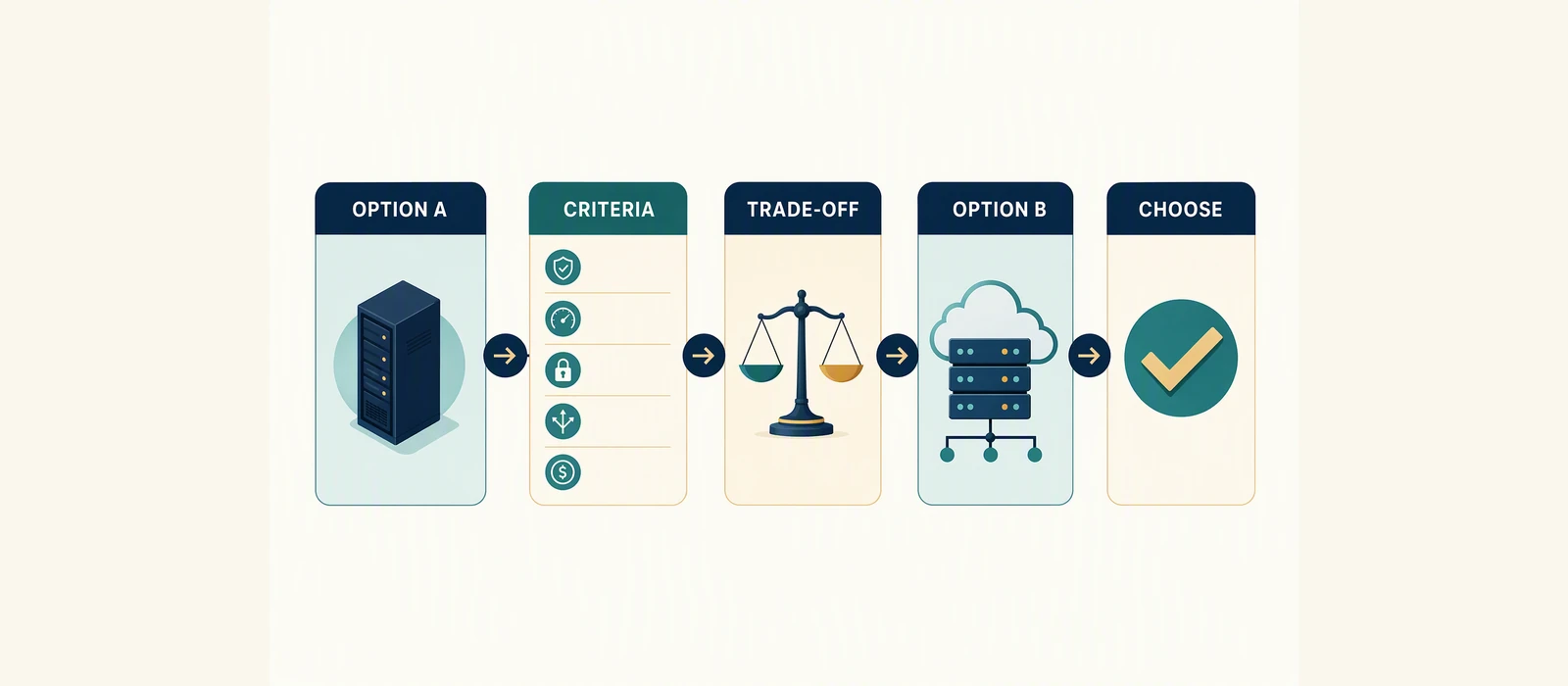
The phrase vps hosting vs cloud hosting can describe two different comparisons. A VPS is usually a virtual machine with reserved or defined resources on one physical host. Cloud hosting generally uses a pool of interconnected infrastructure, often allowing workloads, storage, networking, or capacity to be distributed across multiple systems.
Those labels are not perfectly standardized. Some providers sell VPS products inside a cloud data-center architecture, while some “cloud hosting” plans still run a single virtual server. Before comparing prices or specifications, identify what the provider actually owns and manages:
- Is the workload tied to one physical host?
- Can compute capacity be increased without migrating to another server?
- Does the platform provide snapshots, backups, monitoring, failover, or managed security?
- Who is responsible for operating-system updates, hardening, application incidents, and recovery?
For a small brochure site, a basic VPS may be sufficient. For a stateful application with variable demand, multiple services, or recovery requirements, cloud architecture may be more appropriate. Neither choice is automatically superior.
Journey: from website requirement to infrastructure choice
Start with the workload rather than the product label. Map the application’s traffic pattern, storage needs, latency sensitivity, deployment method, compliance requirements, and recovery objectives.
1. Classify the workload
Typical VPS candidates include content-management systems, development environments, small databases, private control panels, and applications with relatively stable demand. Cloud platforms become more compelling when traffic is uneven, components need independent scaling, or the service must span zones or hosts.
2. Separate hosting from platform services
A virtual machine gives you an operating environment. It does not necessarily provide a complete production platform. You may still need backups, patching, observability, firewall rules, deployment automation, database administration, and incident procedures.
If you are also evaluating conventional shared or managed website plans, see our guide to the best hosting for a small business website. If administrative panels are central to your workflow, compare the options in the best cPanel hosting services for 2026.
3. Define failure and recovery requirements
Ask how the platform behaves when a virtual machine, host, availability zone, disk, database, or network path fails. A provider’s use of the word “cloud” is not proof of automatic failover. Confirm the architecture and the recovery process in the provider’s documentation.
Failure Point: where comparison articles go wrong
Many comparisons treat vCPU, RAM, storage, and monthly price as if they fully describe performance. They do not. CPU generation, storage type, noisy-neighbor controls, network limits, backup design, virtualization overhead, and workload behavior can materially affect results.
Another common error is equating “cloud” with infinite scaling. Scaling may require application changes, a restart, a migration, a new instance, or an architectural redesign. Horizontal scaling also introduces load balancing, session handling, shared storage, service discovery, and data consistency concerns.
Similarly, “unmanaged VPS” does not mean the server is unsupported in every respect. It usually means the customer carries more responsibility for the operating system and application stack, but the exact boundary differs by provider. Read the support scope, acceptable-use policy, backup terms, and service-level documentation.
Platform Ownership: who operates each layer?
The practical distinction between VPS and cloud is often ownership of the operational layers rather than the virtual machine itself.
| Layer | Typical VPS responsibility | Typical cloud-platform responsibility | Questions to verify |
|---|---|---|---|
| Physical hardware | Provider | Provider or cloud infrastructure operator | Is the workload tied to one host or distributed? |
| Hypervisor | Provider | Provider | What happens when the underlying host fails? |
| Operating system | Often customer-managed | Customer-managed on IaaS; provider-managed on some higher-level services | Who patches and hardens it? |
| Runtime and application | Usually customer | Customer, unless using a managed platform | Are deployment and rollback tools included? |
| Backups and recovery | May be optional or customer-configured | May be integrated, but not automatically comprehensive | What are retention, restoration, and recovery-time terms? |
| Scaling | Often resize or migrate manually | May support vertical or horizontal scaling | What can scale, and under what conditions? |
This is why two plans with similar specifications can require very different levels of engineering effort. A low monthly fee may still carry a high internal cost if your team must build monitoring, backup validation, patching, and recovery processes.
Architecture: VPS server vs cloud for real workloads
The vps server vs cloud decision becomes clearer when viewed as an architecture choice.
Single-server VPS architecture
A common VPS design places the web server, application runtime, and database on one virtual machine. It is simple to deploy and easy to understand, but it creates concentration risk. A host incident, configuration error, disk problem, or resource exhaustion event can affect the entire application.
This design can be appropriate for low-complexity workloads when the recovery objective is modest and the operator maintains tested backups. It is less suitable when the application requires independent scaling or minimal interruption during maintenance.
Multi-service cloud architecture
A cloud design can separate the web tier, application workers, database, object storage, queues, and observability systems. Components can be scaled or replaced independently, but the architecture becomes more complex. Network permissions, secrets, service dependencies, data replication, and deployment coordination all require deliberate management.
Cloud architecture can reduce dependence on one virtual machine, but it does not eliminate outages. A flawed deployment, incorrect access policy, application bug, or unavailable managed service can still cause downtime.
VPS, cloud, or dedicated server?
The vps vs dedicated server comparison is mainly about isolation, predictable hardware access, and operational economics. A dedicated server gives one customer the physical machine, which may help with sustained CPU, memory, storage, licensing, or compliance requirements. A VPS usually offers faster provisioning and lower commitment, but shares physical infrastructure and may have virtualized resource limits.
Cloud platforms are generally more flexible for distributed services and elastic capacity, while dedicated servers can be compelling for stable, resource-intensive workloads. Measure the workload before assuming that more infrastructure will improve the user experience.
Cost and Control: pricing is only one part of the total
Cloud hosting vs VPS hosting should be evaluated using total operating cost, not only the advertised monthly instance rate.
Direct costs to compare
- Compute, memory, and storage allocation.
- Data transfer and outbound bandwidth.
- Backups, snapshots, and additional storage.
- Managed support, control panels, and security services.
- Database, load-balancing, monitoring, and public-IP charges.
- Migration, licensing, and disaster-recovery infrastructure.
Cloudways’ official pricing page is a useful starting point for checking the provider’s current plan structure, available infrastructure options, and published billing details: check current Cloudways pricing. Treat that page as vendor-provided information, not independent performance evidence. Prices and terms can change, and the final cost may depend on the selected infrastructure, resources, billing period, taxes, backups, or add-ons.
You can also review the current Cloudways hosting options and verify current Cloudways plan details before making a decision. Confirm the official terms directly rather than relying on an old comparison, cached offer, or third-party summary.
Control and operational burden
With an unmanaged VPS, you generally get more control over the operating system, server configuration, software versions, firewall, and deployment process. That control is valuable to developers who need custom packages or unusual configurations, but it transfers maintenance and security work to the customer.
Managed cloud hosting can reduce routine administration through provider tooling, support, backups, monitoring, or platform integrations. The trade-off may be less low-level control, provider-specific workflows, and a higher service cost. Review exactly what “managed” includes; it is not a universal technical standard.
Decision: which platform fits your situation?
| Requirement | Likely fit | Reason | Verify before purchase |
|---|---|---|---|
| Stable, modest workload with technical operators | VPS | Simple topology and predictable resource allocation | Host limits, backups, support scope |
| Custom software stack and full server access | Unmanaged VPS | Greater configuration control | Patch, security, and recovery responsibilities |
| Variable demand or multiple application tiers | Cloud | More options for independent scaling and service separation | Scaling mechanics, network costs, failover design |
| High sustained hardware demand | Dedicated server or specialized cloud | More direct access to physical or provisioned resources | Capacity, hardware replacement, migration process |
| Small business website with limited operations expertise | Managed hosting | Lower administration burden | Support boundaries, backups, security, renewal terms |
Choose a VPS when simplicity, control, and stable capacity matter more than distributed resilience. Choose cloud hosting when the application benefits from multiple services, flexible capacity, or infrastructure-level redundancy and your team can manage the added complexity. Choose a dedicated server when sustained resource demand or isolation justifies owning the full physical machine.
Do not select a platform based on the word “cloud” alone. Request architecture documentation, test a representative workload, and confirm how the provider handles failure, restoration, support, and billing.
Measurement: prove the choice after deployment
The decision is not complete when the server is provisioned. Establish a baseline and review it after real traffic arrives.
- Performance: track p50, p95, and p99 response time, not only average latency.
- Capacity: monitor CPU steal, memory pressure, disk latency, storage utilization, and network throughput.
- Reliability: record uptime, error rates, failed deployments, backup success, and restoration time.
- Cost: compare monthly infrastructure spend with traffic, transactions, storage growth, and staff hours.
- Operations: measure patch completion, alert quality, incident response, and time to recover.
- Security: verify access controls, MFA, vulnerability remediation, logging, and least-privilege permissions.
The strongest VPS hosting vs cloud hosting decision is the one supported by workload evidence. Reassess after major traffic growth, a database change, a compliance requirement, or an incident. A platform that is economical and easy to operate today may not remain the right architecture as the application evolves.
FAQ
Is VPS hosting better than cloud hosting?
Neither is universally better. VPS hosting is often simpler and offers direct control over a virtual server. Cloud hosting can provide more architectural flexibility, but usually adds services, configuration, and cost-management complexity.
What is the difference between VPS hosting and web hosting?
VPS hosting normally gives you a virtual server environment with more control over the operating system and server stack. Conventional web hosting may place multiple sites on a managed shared platform with less administrative responsibility. The exact resource guarantees and support model depend on the provider.
Is an unmanaged VPS suitable for a business website?
It can be, if the business has the skills and time to patch the server, secure applications, configure backups, monitor incidents, and restore service. Otherwise, managed hosting may reduce operational risk, although its support boundaries must be checked carefully.
Can cloud hosting replace a VPS?
Sometimes. A cloud virtual machine may look and operate like a VPS, while a broader cloud platform may provide managed databases, object storage, load balancing, and automated scaling. Determine whether you need only a virtual server or a distributed set of platform services.
Is cloud hosting always more expensive?
No universal conclusion is possible. Cloud costs depend on compute, storage, transfer, backups, managed services, and usage patterns. A VPS may have a simpler bill, but staff time and additional tools can raise its total cost.
What should I check before switching platforms?
Check migration support, operating-system compatibility, IP and DNS changes, backup restoration, database compatibility, data-transfer charges, support scope, service-level terms, cancellation conditions, and how you will test rollback before changing production traffic.
Evidence note: Provider pricing and plan descriptions cited in this article are vendor claims from the official Cloudways pricing page and should be checked for current terms. The user-provided US VPS Cloud Hosting Semrush database was treated as directional market data, not as independent proof of performance, reliability, or value. No benchmark, review score, discount, free trial, scarcity claim, or expiry date is asserted without verified supporting evidence.
- Cloudways pricing official; verified 2026-09-30
Affiliate disclosure: This article may contain sponsored affiliate links. If you purchase through one, GSA may earn a commission at no additional cost to you. Recommendations are based on fit, operational trade-offs, and publicly available evidence, not commission rates.
See which pages lose clicks
Run the free website SEO audit to find the pages Google already shows but that earn almost no clicks, then fix the highest-impact issues first.