

In Google Search Console, the Pages tab and the Queries tab answer different questions. Pages tell you which URL appeared in Search and how that URL performed. Queries tell you the wording associated with those appearances. If you are deciding which URL to improve, start with Pages. If you already know the URL and need to understand what searchers appeared to want, move to Queries.
That simple distinction keeps the report connected to a business decision. A query is not the thing you edit. A page is. But a page cannot be reviewed intelligently if you ignore the queries that brought it visibility.
The direct answer
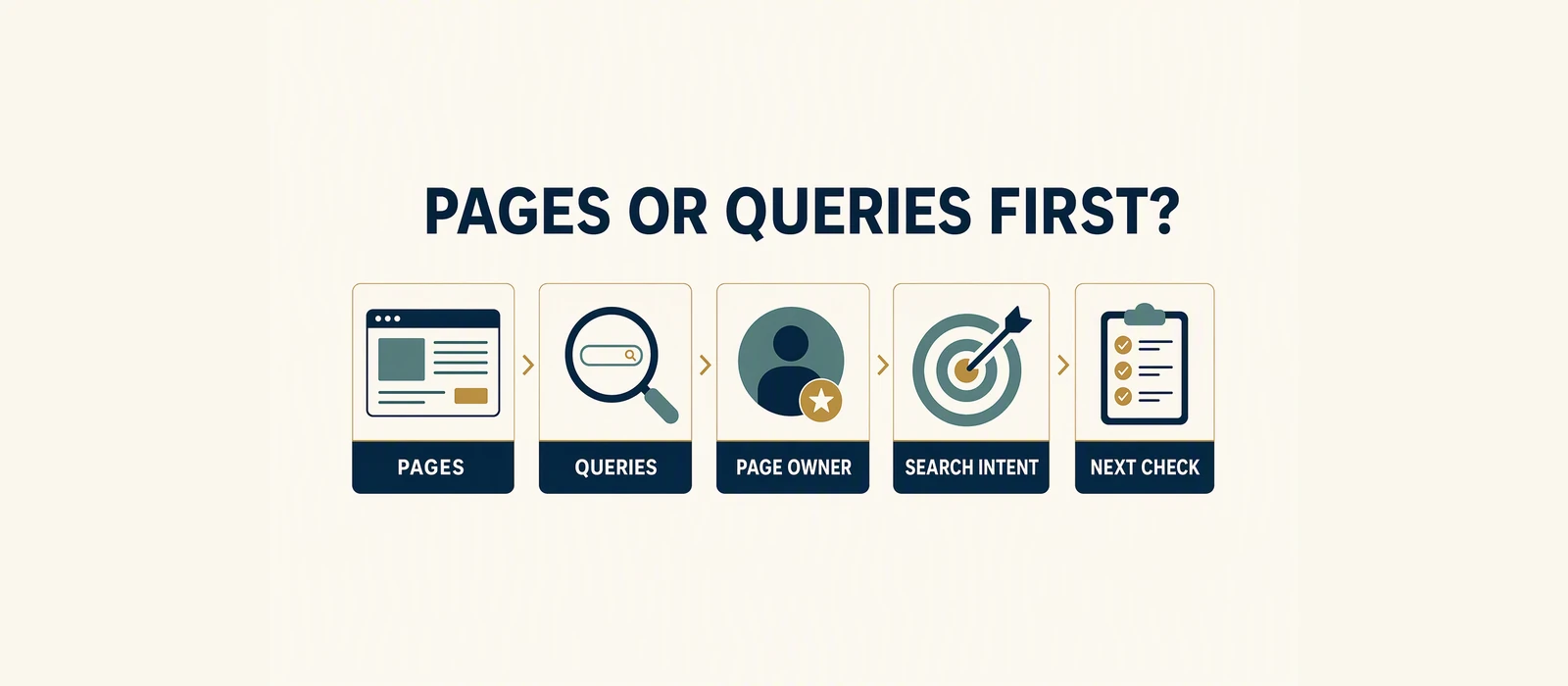
Read Pages first when you need to choose a page, find a weak URL, or check ownership between several URLs. Read Queries first when you need to understand the language attached to one known page, test whether the page matches an intent, or group related searches before editing.
When the situation is unclear, use a two-step loop:
- Start in Pages and identify one URL with a meaningful signal.
- Filter to that page and inspect Queries.
- Group the queries by intent.
- Return to the page and compare its result promise and content with the dominant group.
Do not use the Queries tab as a list of phrases to add mechanically. Search Console shows observed associations in a selected window. It does not provide a complete list of possible searches, and an observed phrase does not automatically deserve a new heading or a new page.
What Pages tells you
Pages is the URL view. It helps answer questions such as:
- Which service, product, category or guide is receiving impressions?
- Which page is receiving clicks?
- Are two URLs appearing for a similar purpose?
- Is an important page visible at all in the selected period?
- Which page should be inspected before more content is published?
This view is useful for page ownership. One search intent should have one clear GSA owner. If two pages receive impressions for the same intent, do not assume both need more content. The pages may need clearer separation, consolidation, stronger internal linking, or no change until the data is more stable.
Pages also gives you the denominator for a page-level conversation. A URL with 2,000 impressions and 0 clicks deserves a different inspection from a URL with 20 impressions and 1 click. Neither row tells you the cause by itself, but the scale and context help establish the question.
What Queries tells you
Queries is the search-language view. It helps answer:
- What did people appear to be looking for?
- Does the page receive related variants or unrelated wording?
- Is the page being shown for informational, commercial, local or comparison intent?
- Are multiple URLs associated with the same important phrase?
Query data must be read carefully. Search Console can group or omit low-volume detail. A query that is not listed is not proof that it never occurred. Likewise, one unexpected phrase may be an isolated observation rather than a new topic worth targeting.
The best use of Queries is to test relevance. Suppose a page is intended to answer a service question, but most of its visible query rows ask for a definition or a free tool. That may suggest an intent mismatch, a competing page, or a need to clarify ownership. It does not prove that the page should be rewritten around every observed phrase.
Why the order matters
Starting with Queries can create a keyword chase. You see a phrase, add it to a title, then find another phrase and add that too. The page becomes broader without becoming clearer. Starting with Pages anchors the review to a URL and a decision.
Starting with Pages alone can also be incomplete. You may see a low CTR row and change a title without knowing that the page is being displayed for an unsuitable query group. That is why the useful order is not Pages versus Queries. It is Pages, then Queries, then the page itself.
This is also how you avoid confusing a query with a page owner. A query can be associated with more than one URL in a window. A page can appear for many related queries. Ownership is an editorial and architectural decision supported by evidence, not a claim that one URL will always appear for one exact phrase.
Worked illustrative example
The following is a hypothetical worked example. It is not a GSA performance claim and does not predict a result.
| Page | Impressions | Clicks | CTR | Average position |
|---|---|---|---|---|
/services/local-seo-audit/ | 1,800 | 18 | 1.00% | 10.8 |
/guides/local-seo-audit/ | 900 | 9 | 1.00% | 14.2 |
In Pages, the service URL is the first inspection candidate because it has the larger visibility signal and a direct business role. After filtering to that URL, suppose the Queries table contains these illustrative groups:
| Query group | Impressions | Clicks | What to inspect |
|---|---|---|---|
| local SEO service wording | 1,050 | 14 | Service promise and selection |
| local SEO meaning wording | 500 | 3 | Whether the guide should own this intent |
| local SEO checklist wording | 250 | 1 | Internal link or clearer guide ownership |
The numbers are deliberately simple so the method is visible. The page receives a mix of commercial and educational wording. The next action is not automatically to add every phrase to the service page. A cleaner decision may be to let the service page own the service intent, link to an educational guide for meaning and checklist questions, and review whether both URLs clearly explain their roles.
If the query groups were almost entirely unrelated, the inspection would change. You would first ask why the page is associated with those searches, whether another URL is a better owner, and whether technical or structural signals are confusing the result. Pages identifies the URL. Queries helps explain the mismatch.
What the data does not prove
Pages and Queries do not prove that:
- the page with the most impressions is the most valuable page;
- the top query is the only query that matters;
- every observed query deserves a dedicated article;
- two URLs with the same query are definitely cannibalizing each other;
- a missing query has no demand or future value;
- adding a phrase to the page will improve its position or CTR;
- a click becomes a lead, sale or revenue;
- the current table represents every search variation.
Keep the report’s property, date range, search type and filters with your note. Without that context, a Pages or Queries screenshot is easy to overinterpret.
Checklist
- [ ] Confirm the property, date range and search type.
- [ ] Open Pages before collecting a large query list.
- [ ] Pick one URL based on a clear inspection question.
- [ ] Filter to that page and open Queries.
- [ ] Group query rows by intent, not just by spelling.
- [ ] Check whether another existing URL is a better owner.
- [ ] Read the live title, description and page content.
- [ ] Choose one page-level action and define the next comparison window.
Optional next step
Start with the free Website SEO Audit for a public-page check. If you have usable first-party Search Console history, the Revenue-Leak Audit is the relevant page/query diagnosis path.
Read the GSC audit case study for an example of keeping page evidence, query evidence and limitations together.
Sources and Disclosure
This article uses dated consumer-facing evidence and clearly labelled teaching examples. Examples are directional, not forecasts or guarantees. No private client information, credentials or internal implementation details are included.
Dated guidance. No ranking, traffic or revenue guarantee.
Choose the next step
Compare the fixed-scope options or book a fit call.
Part of: Search Visibility and Audit Literacy: Read the Evidence First
See which pages lose clicks
Run the free website SEO audit to find the pages Google already shows but that earn almost no clicks, then fix the highest-impact issues first.