

Seeing impressions in Google Search Console but no clicks is frustrating. It can look as if Google is showing your website while searchers ignore it. That may be part of the story, but the number needs context before you decide to rewrite a page, publish more content, or change the entire SEO plan.
Direct answer
Impressions without clicks mean that Search Console recorded appearances for the selected page, query, and date range, but few or no searchers selected the result in that grouping. Start by checking the exact page and query, then compare the result promise with the page promise. Review the average position, query intent, title, description, and page opening together.
Do not treat an impression as a person who read your result. Do not treat a click as a lead. Search Console shows visibility and selection signals. It does not explain the whole customer journey.
What an impression tells you
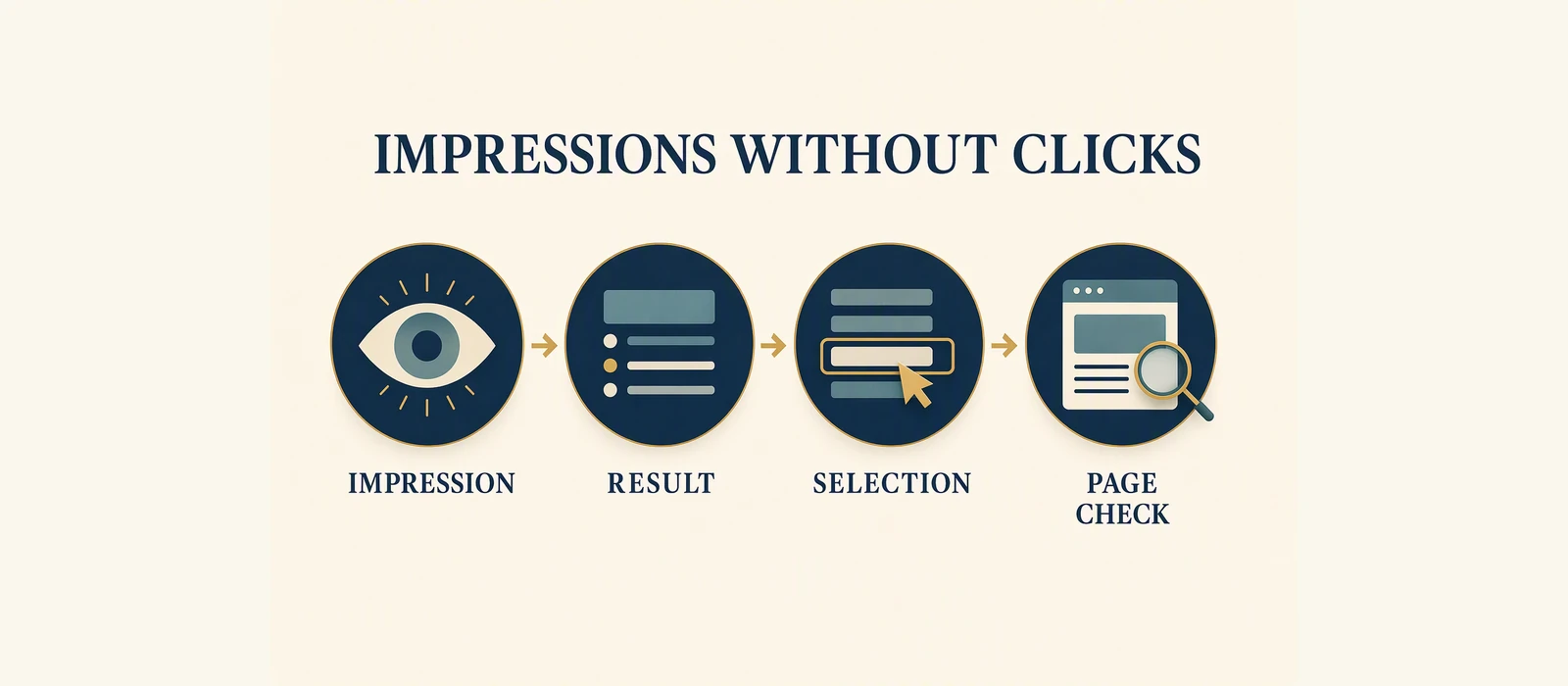
An impression is a recorded appearance in the selected Search Console report. It is useful because it shows that Google associated a page or query with your property during the chosen period. It does not tell you that the searcher noticed the result, understood the wording, or considered the page a suitable answer.
Clicks are different. A click is a recorded selection from a search appearance. Clicks can help you understand whether visibility is becoming a visit, but they still do not prove that the visitor stayed, completed a form, called, booked, or purchased.
CTR brings the two observations together:
CTR = clicks / impressions x 100The percentage is meaningful only with its numerator, denominator, grouping, and date range. A page-level CTR can hide very different query situations. A query-level CTR can be based on a smaller slice of the page’s activity. Always check what has been selected in the report.
Why the result can be seen but not selected
There is no single explanation for weak selection. The most useful causes to investigate are:
- Intent mismatch: The query asks for a guide, comparison, service, product, or local answer, while the result points to a page with a different purpose.
- Unclear result promise: The title or description does not make the page’s answer obvious.
- Weak relevance: The result mentions a broad topic but does not signal the specific problem the searcher expressed.
- Position context: A grouped average position may combine queries where the page appeared in different parts of the result set.
- Query mix: The impressions may come from several queries with different levels of interest and different expectations.
- Search context: Device, location, timing, result features, and other conditions can change what a searcher sees and chooses.
Narrow these questions by filtering the report by page and reading the associated queries.
A page-first inspection
Open the page in Search Console and record the selected date range. Look at the page’s impressions, clicks, CTR, and average position. Then switch to queries. Ask what the searcher appears to want from each meaningful query group.
Next, view the live search result and the rendered page. The title should describe the answer the page actually gives. The description should support that expectation without making a claim the page cannot satisfy. The opening section should confirm the answer quickly, especially for a business owner who is trying to decide what to do next.
The keyword-to-page action plan sets a stricter rule: one page should own one search intent, with supporting variants from that same intent. If queries represent different purposes, the decision may involve ownership or consolidation rather than another rewrite.
Worked illustrative example
Worked illustrative example – anonymised GSA Growth demonstration. This is an observed report row used to explain the decision. It is not a benchmark, forecast, or guaranteed recovery opportunity.
The row shows 4,200 impressions, 12 clicks, a CTR of 0.29%, and an average position of 8.4. The CTR is consistent with the simple calculation: 12 divided by 4,200, multiplied by 100, rounds to 0.29%.
The safe interpretation is narrow: the page appeared many times in the selected report window, and the recorded selections were comparatively small. That makes the page and query relationship worth inspecting. It does not tell us that the title is definitely wrong, that the page is definitely irrelevant, or that a particular change will recover a fixed number of clicks.
The next questions are concrete:
- Which queries produced the 4,200 impressions?
- Did those queries express one intent or several?
- What title and description did the searcher see?
- Did the page answer that intent immediately?
- Is the average position hiding a mix of contexts?
The answer to those questions determines the next review. If the page matches the intent but the result wording is unclear, a title and description review may be sensible. If the query is incidental, the page may not need a change. If several pages appear for the same intent, ownership needs attention.
What to check first
Lock the report scope
Record the property, page or query filter, search type if relevant, and date range. Without that context, later comparisons can be misleading.
Read query and page together
A query is a signal of what someone asked. A page is the answer Google associated with that request. If the two do not fit, weak CTR may be an intent problem rather than a copy problem.
Inspect the result promise
Read the title and description as a searcher would. Can a business owner tell what the page is about and who it is for? Does the promise match the actual page?
Inspect the first useful answer
The page should not make a visitor search for the reason they clicked. Put the answer, scope, or decision context where a visitor can understand it without guessing.
Choose one action
Do not change the title, page structure, internal links, and target query all at once if you want to learn from the comparison. Name the evidence and choose a review that fits it.
What the data does not prove
The impressions do not equal people who read the listing. The 12 clicks do not equal leads or customers. A low CTR does not prove that the page is poor, that Google is penalising it, or that a rewrite will produce more traffic.
Average position does not prove a fixed ranking for every searcher. CTR does not prove why a person did not click. Search Console does not show every factor affecting selection, and it does not replace analytics or enquiry measurement.
The conclusion is modest: this is a selection signal that deserves a page-and-query review. Keep the observation, interpretation, action, and limitation separate.
Checklist
- [ ] Confirm the property and date range.
- [ ] Filter to the page or query that shows the issue.
- [ ] Record impressions, clicks, CTR, and average position.
- [ ] Check whether the queries share one intent.
- [ ] Compare the title and description with the page content.
- [ ] Inspect the first useful answer on the page.
- [ ] Choose one evidence-based review action.
- [ ] Keep clicks separate from leads, sales, and revenue measurement.
Optional next step
Use the free Website SEO Audit for a baseline. If you already have first-party Search Console history, review the Revenue-Leak Audit for page/query diagnosis.
For adjacent context, see the content leak audit case study.
Sources and Disclosure
This article uses dated consumer-facing evidence and clearly labelled teaching examples. Examples are directional, not forecasts or guarantees. No private client information, credentials or internal implementation details are included.
Dated guidance. No ranking, traffic or revenue guarantee.
Choose the next step
Compare the fixed-scope options or book a fit call.
See which pages lose clicks
Run the free website SEO audit to find the pages Google already shows but that earn almost no clicks, then fix the highest-impact issues first.