
Updated September 2026: Verify current plans, pricing, features, and recommendations against official sources before acting.
WordPress.Com Vs WordPress.Org: Intro
One of the most confusing things in the website world is that WordPress.com and WordPress.org sound like two slightly different versions of the same product.
They’re not.
They represent two very different ways to run a WordPress site.
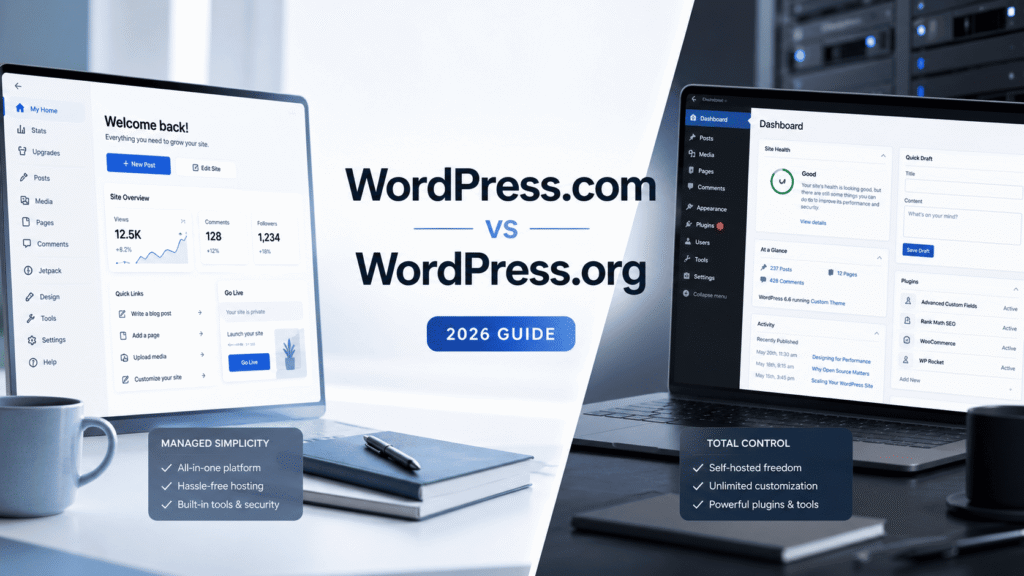
WordPress.com is the managed route. It removes a lot of technical burden and makes the path to publishing much simpler.
WordPress.org is the self-hosted route. It gives you much more freedom, but it also expects you to take on more responsibility.
That’s the real decision.
And if you choose the wrong one, you usually don’t notice it on day one. You notice it later — when the platform either feels too restrictive for what you want to build, or more technical than you actually wanted to manage.
This article is my practical take on that trade-off.
A quick note on how I’m comparing them
The WordPress.com side of this article comes from direct recent hands-on use inside the managed WordPress.com environment.
The WordPress.org side is based on real familiarity with how self-hosted WordPress works as an operator and publisher — especially the added flexibility, plugin freedom, hosting responsibility, and broader technical control that come with that route.
So this is an honest practical comparison, not a fake “I tested both in identical conditions on the same afternoon” article.
The core difference in one paragraph
WordPress.com is a managed platform. It handles hosting, software updates, security, and a lot of the infrastructure decisions for you.
WordPress.org is the open-source, self-hosted route. It gives you much more flexibility, but you’re responsible for choosing hosting, managing plugins and themes, handling more maintenance, and generally owning more of the technical setup.
In practical terms, that means WordPress.com is closer to renting a managed environment where many important decisions are already handled for you. WordPress.org is closer to owning the whole setup yourself. You get more freedom, but you also inherit more responsibility for how the site performs, how it is secured, what breaks, and how quickly those problems get fixed.
That’s the cleanest way to think about the difference:
WordPress.com removes burden. WordPress.org gives you control.
Why people get confused
The names create a lot of unnecessary confusion.
To a beginner, WordPress.com and WordPress.org sound like two versions of the same service. In reality, they are two different operating models.
That confusion matters because people often make the wrong choice for the wrong reason:
- some people assume WordPress.org must always be better because it sounds more “serious”
- others assume WordPress.com is the obvious default without thinking about long-term limits
- many people don’t realize the decision is really about convenience vs flexibility
That last point is the one that matters most.
Where WordPress.com wins
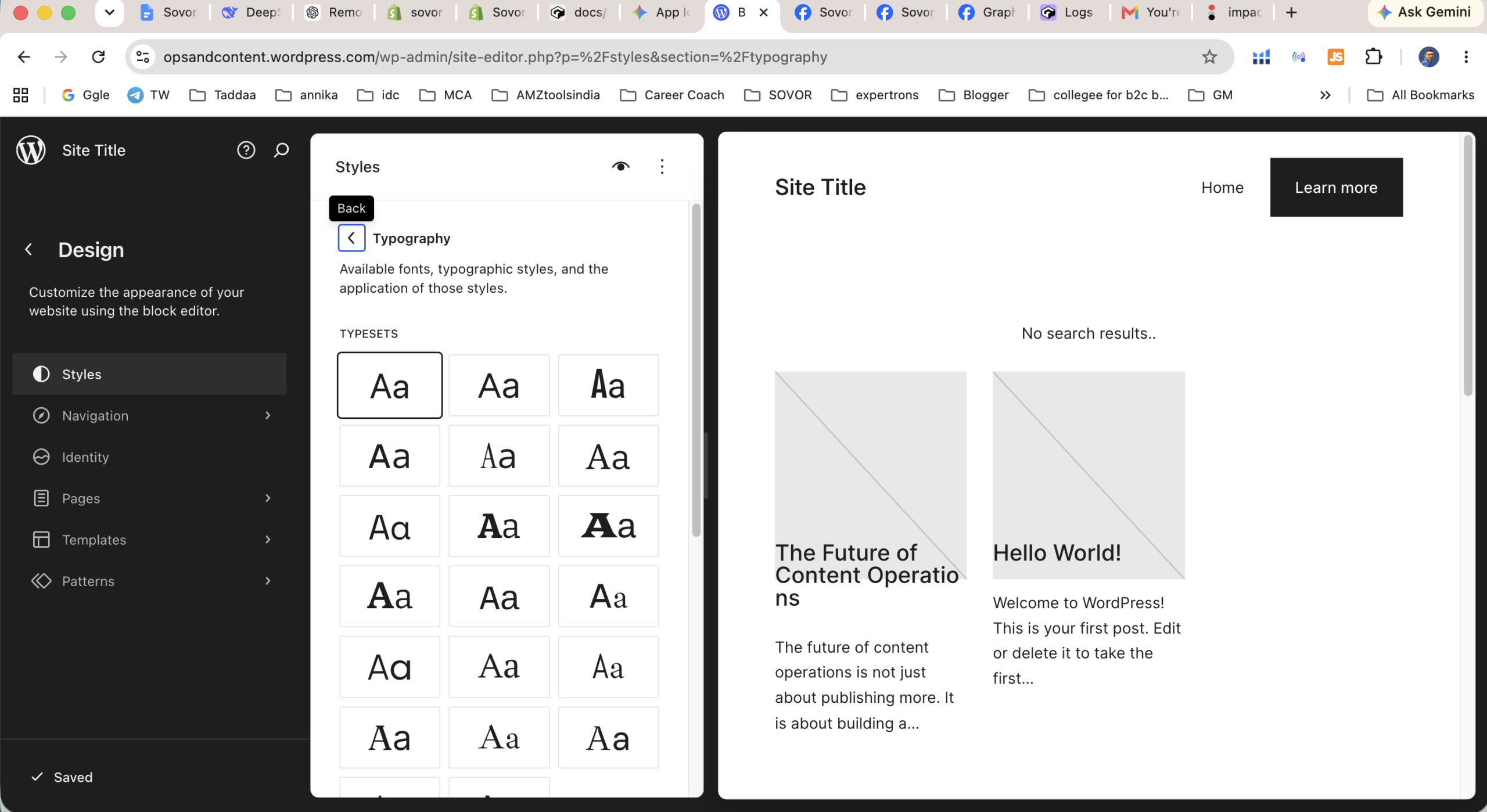
From a practical standpoint, WordPress.com wins on simplicity.
The setup is easier. The environment is more guided. The publishing flow is smoother for beginners. You don’t have to think nearly as much about infrastructure, maintenance, updates, or security.
That matters more than a lot of comparison articles admit.
If your goal is to get a site live and start publishing without turning the process into a technical side project, WordPress.com has a real advantage.
Its biggest strength is not that it does everything.
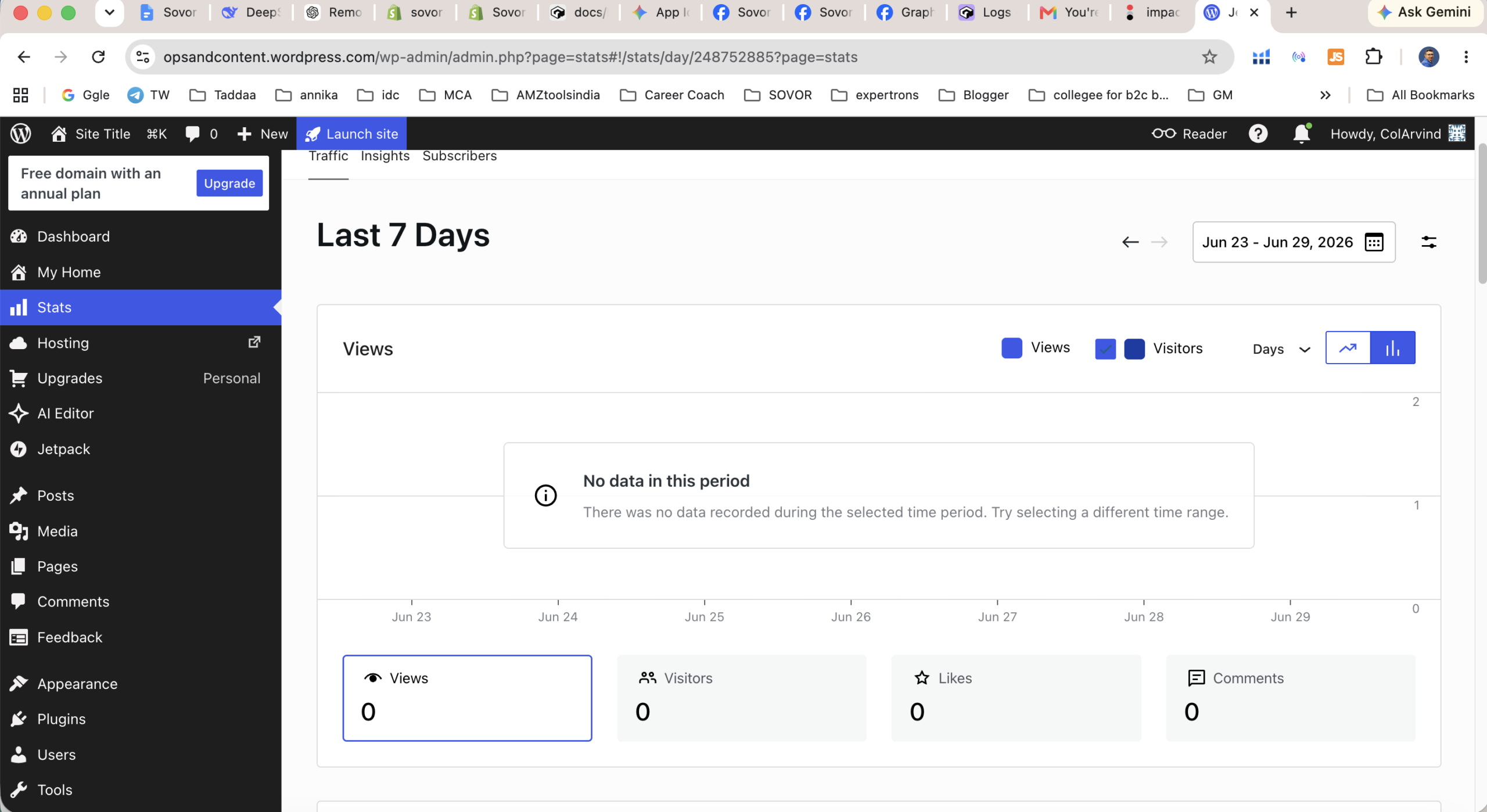
Its biggest strength is that it removes a long list of decisions many users do not actually want to make.
Where WordPress.org wins
WordPress.org wins on freedom.
If you already know you want plugin flexibility, deeper theme control, custom development options, broader hosting choice, or a more open-ended technical environment, WordPress.org is the stronger route.
That freedom is the reason so many advanced users, agencies, and developers prefer it.
But it’s important to be honest about what that freedom costs. More control usually means more decisions, more moving parts, and more responsibility.
That’s why WordPress.org is not automatically the smarter choice for everyone. It is simply the more open choice.
What beginners usually get wrong
The biggest beginner mistake is thinking this decision is about prestige instead of fit.
A lot of people overestimate how much they need WordPress.org before they’ve even published consistently.
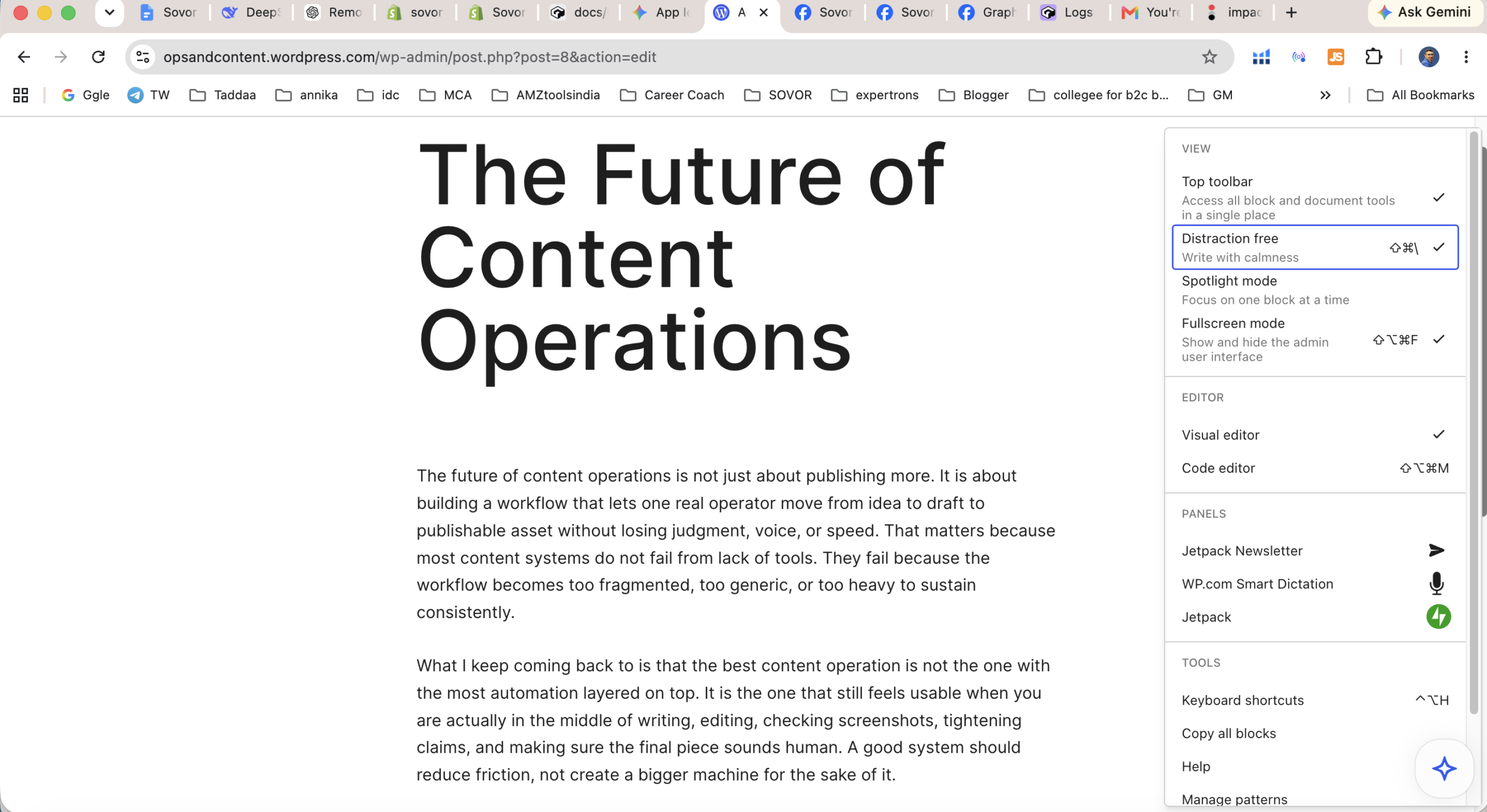
If someone mainly wants to write, launch a small business site, or start a content project, WordPress.com may be the better first fit because it lowers the technical burden.
On the other hand, some users underestimate how quickly WordPress.com plan limits can matter if they already know they’ll want plugin freedom, deep customization, or a more developer-shaped workflow.
This is usually where people feel the difference first: not in the abstract feature table, but in the moment they want to do something specific. A beginner on WordPress.org notices the extra burden when hosting, plugins, updates, backups, or troubleshooting suddenly become part of the job. A growing user on WordPress.com notices the limits when they want more direct control over plugins, themes, customization, or technical workflows than the managed setup comfortably allows.
In other words:
- some people choose WordPress.org too early
- some people choose WordPress.com without thinking far enough ahead
Who should choose WordPress.com
WordPress.com makes the most sense for:
- writers
- bloggers
- creators
- small business owners building a first web presence
- beginners who want less technical overhead
- people who want a site to “just work” without managing infrastructure
If your top priority is getting a site live and publishing without worrying about hosting, updates, or security, WordPress.com makes more sense.
Who should choose WordPress.org
WordPress.org makes the most sense for:
- developers
- agencies
- advanced operators
- businesses with strong customization requirements
- site owners who already know they need plugin freedom
- people who are comfortable taking on more setup and maintenance responsibility
If maximum flexibility matters more to you than convenience, WordPress.org is usually the better fit.
Honest limitation section
This is not a “winner vs loser” decision.
WordPress.com is easier because it removes decisions and technical responsibility. WordPress.org is more powerful because it leaves more of those decisions in your hands.
That means each one solves a different problem.
WordPress.com can feel restrictive if you outgrow its structure or plan limitations.
WordPress.org can feel heavier than beginners expect because the extra flexibility comes with real operational overhead.
That is the actual trade-off:
- convenience vs control
- lower maintenance vs higher flexibility
- easier start vs broader ceiling
My practical recommendation by use case
If you want to start publishing, launch a straightforward site, or avoid technical overhead, I would lean toward WordPress.com.
If you already know you need deep customization, broad plugin flexibility, or full control over the technical stack, I would lean toward WordPress.org.
If you’re still unsure, the best question to ask is not “which one is better?”
Another useful way to frame it is to ask what kind of friction you would rather deal with. Would you rather accept more platform guardrails in exchange for a simpler start, or accept more operational responsibility in exchange for broader freedom? That framing tends to be more honest than the usual “beginner vs advanced” shortcut.
It’s this:
How much control do I actually need right now, and how much technical responsibility am I willing to accept in exchange for it?
That question gets you to the right answer faster than any feature table.
Final verdict
WordPress.com and WordPress.org are not really competing as two near-identical products. They are two different ways to run a WordPress site.
Choose WordPress.com if you want simplicity, lower maintenance, and a faster path to publishing.
Choose WordPress.org if you want flexibility, control, and room for heavier customization.
Neither is universally better. The right choice depends on how much control and responsibility you want.
If you want to explore WordPress.com for yourself, you can check it out here: WordPress.com
If you want the easier path to getting a site live with less technical overhead, WordPress.com makes more sense.
If you already know you need full control, WordPress.org is usually the better fit.
Author bio: Arvind Jadli is a seasoned content operator and digital strategist specializing in publishing infrastructure and editorial workflows. With years of experience scaling content properties, he breaks down complex CMS platforms to help teams build faster, manage smarter, and publish better.
Frequently Asked Questions
Recommended Reading
Handpicked by Arvind – books that actually changed how I think about this topic.
SEO 2026: Learn Search Engine Optimization with Smart Internet Marketing Strategies
Best Hosting to Start an Online Business 2026
Tested by GSA. Best price-performance for Indian D2C stores. (Affiliate links – we earn a small commission at no extra cost to you.)
Sources & further reading: Search Engine Land
Further reading: Statista · Search Engine Land
Affiliate disclosure: This article may contain sponsored affiliate links. If you purchase through one, GSA may earn a commission at no additional cost to you. Recommendations are based on fit, operational trade-offs, and publicly available evidence, not commission rates.
See which pages lose clicks
Run the free website SEO audit to find the pages Google already shows but that earn almost no clicks, then fix the highest-impact issues first.