
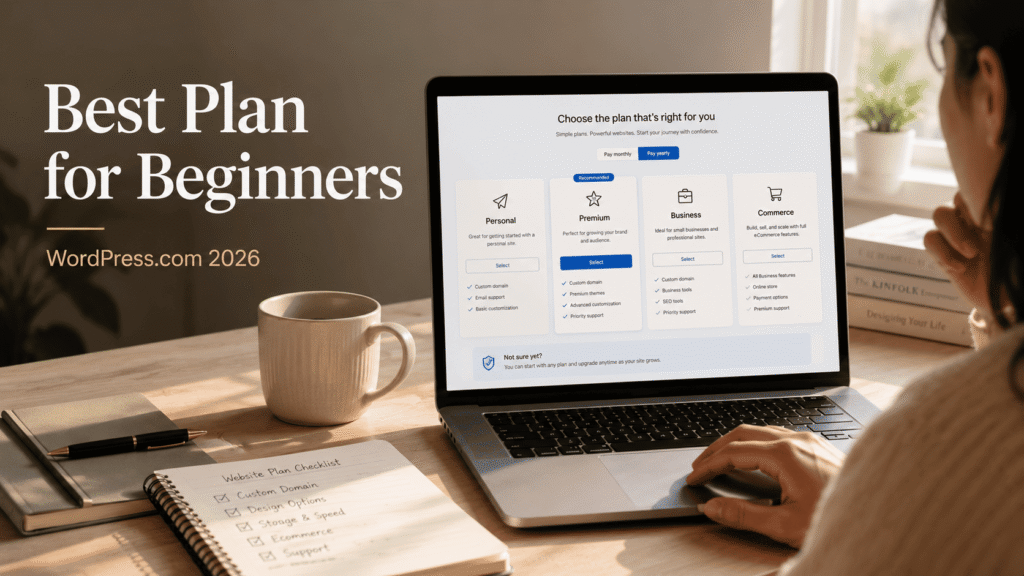
Updated September 2026: Verify current plans, pricing, features, and recommendations against official sources before acting.
Related GSA guides: best web hosting for online business comparison | WordPress.com versus WordPress.org comparison | WordPress.com editor review
WordPress.Com Plan: Intro
One of the easiest ways for a beginner to waste money on WordPress.com is to choose a plan based on vague ambition instead of actual need.
A lot of people look at the pricing table and think they should buy the most powerful plan they can afford, just so they don’t “outgrow it too fast.”
That sounds sensible.
But for most beginners, it’s the wrong way to think about it.
The best beginner plan is usually not the one with the longest feature list. It’s the one that gives you enough room to start properly without making you pay for complexity you don’t understand or need yet.
That’s the lens I’d use here.
Quick answer
If you’re a true beginner and mainly want to start publishing with a real site and a custom domain, I would usually start with Personal.
If you already care a lot about design polish, presentation, or a more serious creator/business feel, I’d look harder at Premium.
I would not tell most beginners to jump straight to Business unless they already know exactly why they need that extra flexibility.
And I definitely would not treat Commerce as the default unless the goal is clearly ecommerce.
A quick note on what this article is and isn’t
This is not a feature-matrix summary copied from the pricing page.
This is a practical beginner decision article built around a much simpler question:
What should a new WordPress.com user actually pay for right now?
That means I’m less interested in listing every feature and more interested in helping a beginner avoid the two most common mistakes:
- overbuying too early
- underestimating when a higher plan actually becomes worth it
The current WordPress.com pricing to know
As of June 2026, the main WordPress.com plans are:
- Personal: $9/mo monthly or $4/mo annually
- Premium: $18/mo monthly or $8/mo annually
- Business: $25/mo monthly or $25/mo annually
- Commerce: $45/mo monthly or $45/mo annually
Those numbers matter, but pricing alone does not tell you which plan is right.
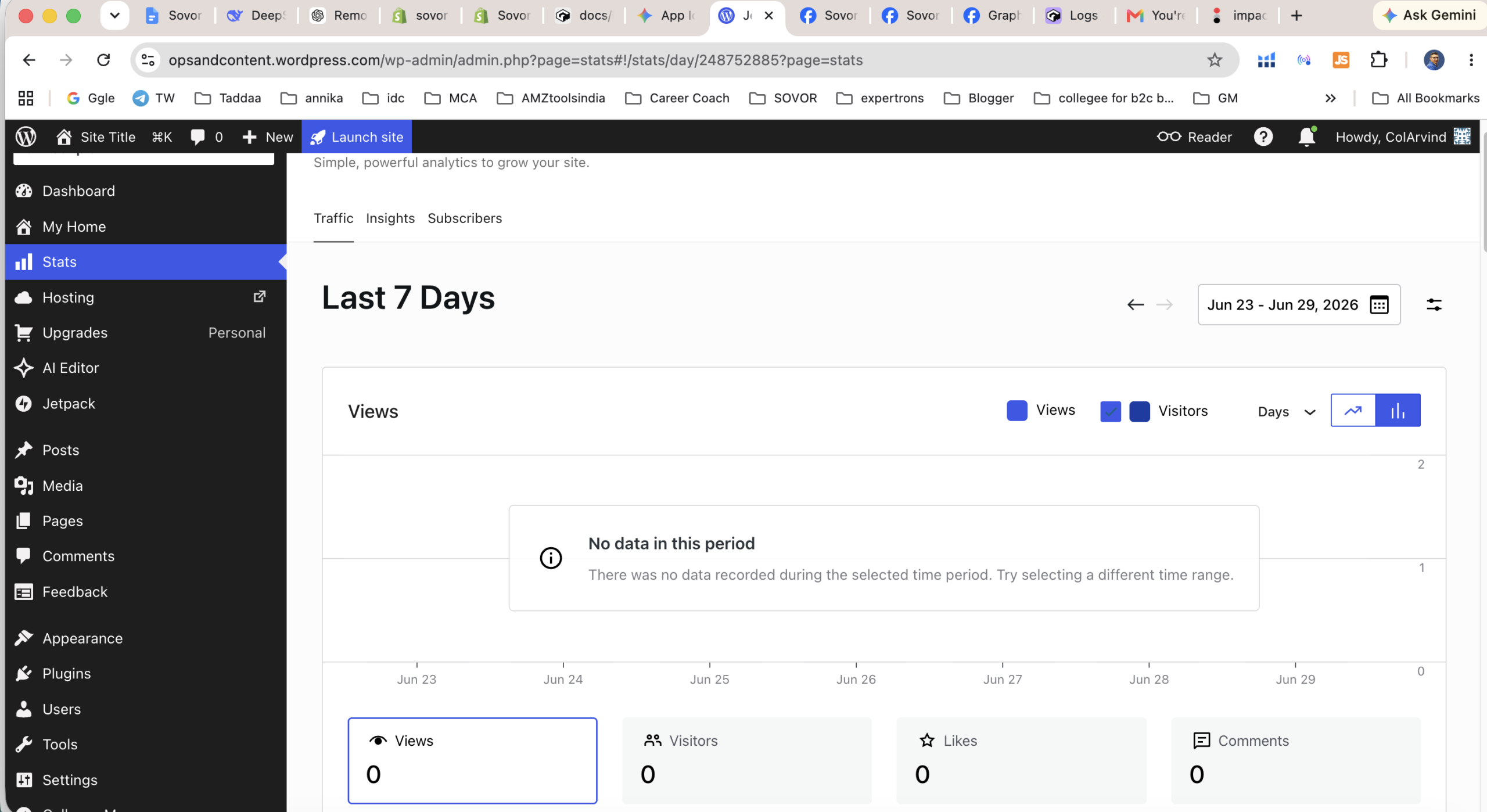
One practical thing beginners should keep in mind is that the annual pricing can make a plan look much cheaper than it feels when you are still uncertain. If you are not yet sure you will publish consistently, the lower annual number can create a false sense that upgrading is the obvious move. In reality, the better question is whether you have earned the need for that higher plan yet.
What each plan is really for
Personal
This is the cleanest low-cost starting point for a true beginner who mainly wants a real site, a custom domain, and a straightforward publishing setup.
If your main goal is to start a blog, build a basic personal site, or stop overthinking and just get online properly, Personal makes a lot of sense.
This is the plan I’d look at first for someone who is serious enough to want a proper site, but not yet trying to build a layered business setup.
Premium
Premium is where WordPress.com starts to feel more polished for creators and small business users who care about how the site presents, not just the fact that it exists.
This is the plan I’d consider if the beginner is still genuinely a beginner, but already knows design flexibility, presentation, or creator-style branding matters more.
For some people, Premium will feel like the first “serious but still sane” upgrade.
Business
Business is the point where WordPress.com starts making more sense for users who know they need more flexibility.
That does not mean every beginner should choose it.
In fact, I think this is one of the easiest plans for a beginner to overbuy. If someone is still figuring out whether they’ll even publish consistently, Business is often too much too soon.
But if the user already knows they’ll need business-level flexibility, this is where the conversation changes.
Commerce
Commerce is not the default beginner recommendation.
I would only put it on the table if the user is very clearly trying to build for ecommerce and already understands that they need store-specific capability, not just a blog or brand site.
For a normal beginner, Commerce is usually not the starting point.
Another way to think about the lower tiers is this: what you are really buying early on is not just a list of features, but a level of complexity. Many beginners do better when the platform asks less of them at the beginning. The trouble starts when someone pays for power they are not using yet, and then mistakes extra complexity for progress.
Which plan I’d recommend for a true beginner
For most true beginners, I’d start with Personal.
Why?
Because most beginners do not need the “biggest” plan. They need the plan that gets them publishing with the least wasted money and the fewest wrong assumptions.
If your goal is to launch a real site, get a custom domain, start writing, and avoid turning setup into a technical rabbit hole, Personal is usually the safest default.
That doesn’t mean it’s the forever plan.
It just means it’s often the right first paid step.
When I’d pay for Premium instead
I’d move the recommendation toward Premium if the beginner already knows one of these is true:
- design presentation matters a lot
- the site needs to feel more polished from day one
- the user is building as a creator, consultant, or small brand rather than “just starting a blog”
- the beginner is likely to care about visual flexibility more than the average first-time user
This is where I think many people make a better upgrade decision than jumping all the way to Business too early.
Premium feels like the first plan that can make sense for a beginner who is still new, but not casual.
When Business makes sense
Business makes sense when the user already knows they need more advanced flexibility.
Not “maybe later.”
Not “just in case.”
Not “because serious people probably choose it.”
I mean when they already know.
That is the difference.
If someone is still figuring out their publishing habit, still clarifying their site goals, or still deciding what kind of online presence they even want, Business is often premature.
But if they already know they’ll need more room to grow inside WordPress.com, then the higher cost starts to make more sense.
Why most beginners should not start too high
This is the part many pricing articles skip.
Overbuying is real.
A beginner who pays for too much too early usually does not become more successful because of it. They usually become more confused, more hesitant, and more likely to feel that the platform is layered or expensive before they’ve even built momentum.
That’s why I think most beginners should resist the temptation to buy the highest plan that sounds aspirational.
Start with the plan that matches what you are actually trying to do right now.
Not the version of you that might exist six months later.
Honest limitation section
WordPress.com plan-based gating is real.
Some users will outgrow lower plans faster than they expect, especially if they start wanting more flexibility, stronger customization, or business-specific capabilities.
The important part is noticing the difference between a real limitation and a hypothetical future need. If you are already running into design constraints, monetization limits, or business-specific requirements, that is a real signal to upgrade. If you are still just imagining what you might need six months from now, that is usually not a strong enough reason on its own.
So yes, the cheapest plan is not always the best plan.
But the opposite mistake is just as common: paying for complexity too early and calling it “future-proofing.”
That’s why the right beginner recommendation has to balance cost, clarity, and actual near-term use.
Final verdict
If you are a true beginner and mainly want to start publishing with a real site and a custom domain, I would usually start with Personal.
If presentation and branding matter more from day one, I would take a harder look at Premium.
If you already know you need deeper flexibility, Business may be worth it.
And if you are clearly building for ecommerce, then Commerce is the plan that belongs in the conversation.
But for most beginners, I would rather start with the right plan than the biggest one.
If you want to explore WordPress.com for yourself, you can check it out here: WordPress.com
Start with the plan that matches what you’re actually trying to do right now — not the one that looks most impressive on a pricing table.
Author bio: Arvind Jadli is a seasoned content operator and digital strategist specializing in publishing infrastructure and editorial workflows. With years of experience scaling content properties, he breaks down complex CMS platforms to help teams build faster, manage smarter, and publish better.
Frequently Asked Questions
Recommended Reading
Handpicked by Arvind – books that actually changed how I think about this topic.
SEO 2026: Learn Search Engine Optimization with Smart Internet Marketing Strategies
Best Hosting to Start an Online Business 2026
Tested by GSA. Best price-performance for Indian D2C stores. (Affiliate links – we earn a small commission at no extra cost to you.)
Sources & further reading: Search Engine Land
Further reading: Statista · Search Engine Land
Affiliate disclosure: This article may contain sponsored affiliate links. If you purchase through one, GSA may earn a commission at no additional cost to you. Recommendations are based on fit, operational trade-offs, and publicly available evidence, not commission rates.
See which pages lose clicks
Run the free website SEO audit to find the pages Google already shows but that earn almost no clicks, then fix the highest-impact issues first.