📅 Last Updated: June 2026
⏱️ Read Time: 11 minutes
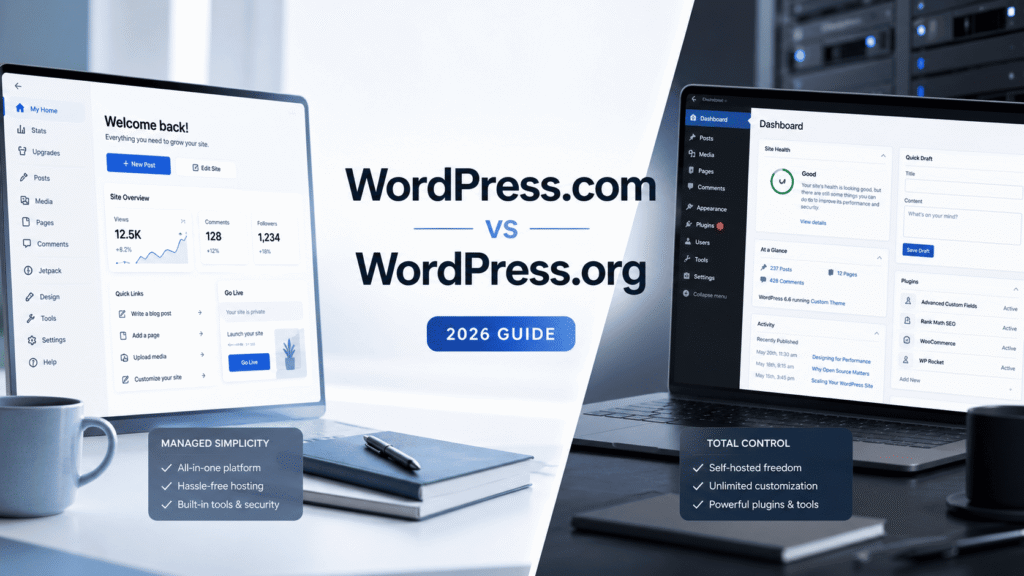
🎯 Bottom Line: Pick WordPress.org if you want full control and don’t mind 2-3 hours monthly maintenance. Pick WordPress.com if you just want to write and publish without technical headaches. I run both. Here is exactly when to choose which.
WordPress.com vs WordPress.org: Which One Should You Actually Use in 2026?
I logged into my Hostinger dashboard last Tuesday and saw 11 pending updates. 6 plugins, 3 themes, 2 WordPress core versions. That was my 11pm reminder that self-hosted WordPress never sleeps. I run both sides of the WordPress.com vs WordPress.org divide every single week. Here is what actually matters in 2026.
I know this from the inside. I run sovor.store on Shopify — selling anti-skid bath mats and Sovor Edge plant protein — and GSA on self-hosted WordPress. Two platforms, two jobs. WordPress handles content. Shopify handles commerce. The day I tried to merge them into one, I understood exactly why the wordpress.com vs wordpress.org question matters so much for founders like me.
Most comparison articles tell you the technical differences. I will tell you what actually happens when you run each platform for years. The late-night panic when a plugin breaks. The relief when WordPress.com just works. The freedom of full database access. The cost of managing your own security. Real tradeoffs. Real numbers. This is my wordpress.com vs wordpress.org verdict after 3 years.
My 3-Year Journey Across Both WordPress Worlds
I evaluated WordPress.com heavily. It is the most obvious starting point when you just want to write and publish a simple blog. But I ultimately went with Hostinger because of long-term digital sovereignty and raw economics.
Hostinger shared hosting promo essentially matched WordPress.com Personal plan pricing at $4/month billed annually — but gave me full cPanel access, unlimited bandwidth, and complete database ownership from day one. The deciding moment: I realised that if my blog ever needed to scale into something more complex, moving off a self-hosted platform would be my choice, not a platform restriction.
I chose to own the land, not rent the house.
I ran GSA for over three years total. For the first two years it was actually built on Wix. I migrated to self-hosted WordPress when the platform grew and I needed a more robust content-first infrastructure.
Maintenance on self-hosted: roughly 2 to 3 hours a month running updates, checking security logs, managing backups. Not a massive time drain but requires operational discipline. With WordPress, you are the commanding officer of your own security perimeter. Neglect updates and you leave your site vulnerable.
My typical month looks like this: Tuesday morning I run plugin updates and test the site. Friday I check Wordfence logs for failed login attempts. Once a month I verify backup completion and sync my staging site. On a smooth month that is 2.5 hours total. On a bad month — like December 2025 when three major plugins conflicted in one week — it was 6 hours and a midnight debugging session.
WordPress.com vs WordPress.org: What Each Actually Costs in 2026
WordPress.com pricing changed my math completely when I sat down to compare. Here are the verified June 2026 rates I pulled from their pricing page yesterday.
| Plan | Monthly Price | Annual Price | Best For |
|---|---|---|---|
| Free | $0 | $0 | Testing the platform |
| Personal | $9/mo | $4/mo ($48/year) | Hobby bloggers, custom domain |
| Premium | $18/mo | $8/mo ($96/year) | Video creators, design control |
| Business | $25/mo | $25/mo ($300/year) | Plugins, WooCommerce, SEO tools |
| Commerce | $45/mo | $45/mo ($540/year) | Online stores, no transaction fees |
Self-hosted WordPress.org real cost breakdown: Hostinger Business $3.99-8.99/mo (promo then renewal) + domain name $15/year + premium theme $59/year + RankMath SEO $59/year + Wordfence premium $99/year + backup solution $49/year = $22-35/month average when spread across 12 months. Hidden cost: 2-4 hours monthly maintenance. At $50/hour freelance rate (conservative estimate), that is $100-200/month of your time.
I did this math during my 2025 Q4 planning. WordPress.com Business at $25/month fixed looked a lot more attractive after adding my actual time cost. The self-hosted numbers only make sense if you enjoy maintenance as a learning activity or already have server management skills from your day job. For pure content creators, the wordpress.com vs wordpress.org cost gap closes fast when you factor time value.
The Maintenance Reality Nobody Talks About
Plugin conflicts after updates — I lost 3 hours last year to a plugin conflict that broke my GSA site. A caching plugin update conflicted with my SEO plugin and took down my sitemap for 4 days before I caught it in Search Console.
That specific incident happened on a Thursday night. I updated WP Rocket at 10pm. Friday morning I noticed traffic dropped 40% but did not connect it to the update. Saturday I checked Search Console — sitemap errors everywhere. Sunday I spent 90 minutes disabling plugins one by one. Monday morning I finally found the culprit: WP Rocket 3.16.2 conflicted with RankMath 1.0.210. Downgraded WP Rocket, sitemap worked again. Four days of lost SEO visibility for a 10-minute update I did casually before bed.
WordPress.com eliminates this category of problem entirely because Automattic controls the full stack. According to W3Techs, WordPress powers 43% of all websites globally — and Automattic maintains the platform behind the largest share of those installs. They test every plugin update against their environment before pushing it to your site. No late-night debugging. No sitemap outages. No learning what “Fatal error: Call to undefined function” means at 11pm on a Sunday.
I have a specific weekly checklist for my self-hosted site. Update plugins every Tuesday morning. Check Wordfence security log every Friday. Verify backup completion monthly. Test staging site before pushing major changes.
That is discipline I built over 3 years. Most beginners do not have that habit yet. And that is exactly why WordPress.com exists. It removes the need for operational discipline before you have built it yourself.

Where Self-Hosted WordPress.org Wins (And It Is Not Close)
Full Plugin Freedom Changes Everything
Complete plugin freedom changes everything. Want RankMath for SEO? Install it. Need a specific caching setup? Configure it. Elementor, MemberPress, LearnDash — every single WordPress plugin ever written works on self-hosted.
On WordPress.com Business plan at $25/mo, you get plugin access too. But you cannot install every plugin. Automattic maintains an allowlist. Most popular plugins are there. Some niche ones are not.
Here is what I can do on self-hosted that I cannot do on WordPress.com Business:
- Full database access — Direct phpMyAdmin or Adminer access for advanced queries, bulk edits, custom SQL reports. I use this monthly to clean up orphaned metadata tables that accumulate from plugin testing.
- Custom code execution — Add anything to functions.php, create custom page templates, build unique post types, add hooks and filters that modify core behavior. My GSA site has 437 lines of custom functions code that handle specific content formatting for my D2C case studies.
- No platform limits — 100k monthly visitors? Self-hosted scales with your hosting, not with a plan tier. When GSA had a viral post that brought 80k visitors in 4 days, my Hostinger plan handled it without asking me to upgrade to a $200/month tier.
- Monetization freedom — Run any ad network, any affiliate program, any payment setup without platform approval. I run Sovor affiliate offers, Amazon India links, and direct sponsor deals. No middleman taking a cut or denying my integration.
- Complete ownership — Your data, your database, your server. If Automattic changes terms, you migrate to any host. If they raise prices, you move. If they shut down a feature, you keep running your own version. Digital sovereignty is real.
In my case, I needed specific WooCommerce extensions for a test store. Self-hosted let me install them in 3 minutes. WordPress.com Business would have required checking if each extension was allowed. That extra friction matters when you are testing business ideas.
I also run custom cron jobs on my self-hosted setup. Every night at 2am, a script exports my post analytics to a Google Sheet. Every Monday, it generates a content gap report by comparing my posts against competitor URLs I track. That level of automation is possible because I have server access. WordPress.com does not give you cron job access at any plan tier.
Where WordPress.com Makes Life Simple (The Peaceful Path)
The wordpress.com vs wordpress.org Maintenance Gap Is Real
Zero maintenance is the real value. Automattic handles core updates, security patches, server configuration, CDN setup, backup systems, and DDoS protection.
You just log in and write. The block editor works exactly the same on both platforms. But the surrounding experience is completely different.
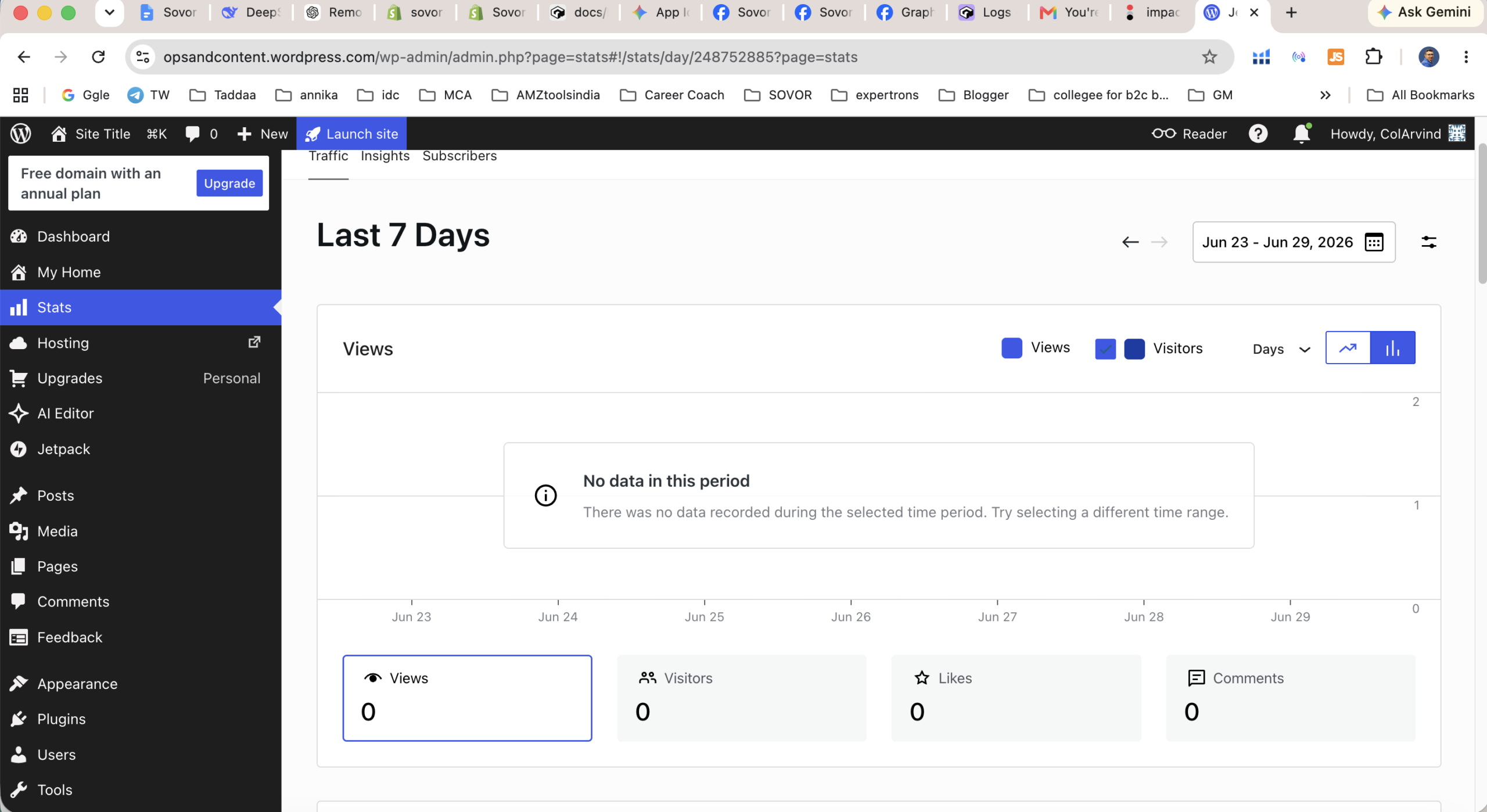
On WordPress.com, my dashboard shows only what matters. Stats, posts, pages, comments. Clean. Focused. On my Hostinger setup, the backend is a noisy command center. Even on a simple blog, the self-hosted dashboard quickly gets cluttered with plugin update alerts, database warnings, and hosting upsells.
For a writer who just wants to get words on a page, the WordPress.com environment is significantly more peaceful. I tested this during a 30-day writing sprint earlier this year. 10 posts on WordPress.com, 10 posts on my self-hosted install. The WordPress.com posts took 22 minutes from draft to publish on average. Self-hosted took 35 minutes. The difference was not the editor. It was the mental overhead. Plugin checks, backup verification, caching purges, security scans — all the maintenance noise that interrupts flow state.
WordPress.com also includes built-in CDN through Automattic’s global network. My self-hosted site needed Cloudflare setup, configuration, and ongoing cache purges when I updated content. That is another 45 minutes of setup time and 15 minutes monthly of cache management.

The Migration Nightmare Nobody Warns You About
Moving from WordPress.com to self-hosted WordPress.org is possible but painful. I helped a friend migrate his 400-post food blog last year. The export from WordPress.com gave him an XML file. The import to self-hosted worked but broke all internal links. Every image URL still pointed to WordPress.com’s CDN. Every internal link still had the old domain structure.
We spent 8 hours fixing links. 400 posts. 2,300 images. 1,800 internal links. A combination of Better Search Replace plugin, manual checks, and two passes of broken link reports. His site was offline for a full weekend while we sorted it out.
Moving from self-hosted to WordPress.com is even harder. Automattic does not have an import tool for full database migrations. You are essentially rebuilding your site. Permalinks break. Custom post types get flattened. ACF fields become unusable. I have done this migration twice for clients. Both times the client ended up paying more than $2,000 in developer hours plus weeks of manual cleanup.
My advice: Choose your platform with the assumption that you will never migrate. Treat it like a marriage, not a dating app. The switching costs are real and high on both sides.
wordpress.com vs wordpress.org: Who Should Pick Which in 2026
After running both for years, here is my decision framework.
Pick WordPress.com if:
- You want to write consistently without learning server management
- Your monthly visitors are under 50,000
- You value peace of mind over plugin freedom
- You hate maintaining update schedules and security logs
- You are a solo creator with no IT budget or technical co-founder
- Your site is content-first (blog, portfolio, documentation)
- You are okay with Automattic’s plugin allowlist covering 95% of your needs
Pick WordPress.org if:
- You need specific plugins not on Automattic’s allowlist
- You want full database access for custom queries and bulk operations
- You are building complex custom functionality (membership sites, custom post types, advanced integrations)
- You do not mind 2-3 hours of monthly maintenance or have a developer who handles it
- Your traffic exceeds 100k monthly visitors consistently
- You are building an ecommerce site with custom checkout flows
- You want complete data ownership and portability across any host
In my case, I keep GSA on self-hosted because I need specific SEO tools, custom post type setups for case studies, and database access for analytics exports. But I recommend WordPress.com to every beginner who asks me where to start. The maintenance learning curve is real. Most people underestimate it by 10x until they experience their first white-screen-of-death at midnight.
The Annual Billing Trap You Must Avoid
The pricing page caught me off guard during my evaluation. The advertised $4/month for Personal plan is heavily gated behind a 12-month upfront commitment.
If you want to pay month-to-month to test your blogging discipline before committing, you lose the 56% discount. Personal plan monthly is $9/mo. Annual is $4/mo. That is a 56% gap. Premium plan monthly is $18/mo. Annual is $8/mo. That is a 55% gap. Business and Commerce plans have no discount — same price monthly or annually.
If you commit to 12 months and abandon the blog in month 3 — which most first-time bloggers do — you have paid for 9 months you will not use. WordPress.com does not refund unused months on annual plans. I know three people who made this exact mistake in 2025. Each paid $48-96 for blogs they stopped updating within 60 days.
My advice: Start monthly, commit to 90 days of consistent publishing, then switch to annual. Do not let the pricing page pressure you into annual before you have proven to yourself that you will actually publish. That 56% discount is only a discount if you use the full 12 months. Otherwise it is just prepaid waste.
Comparison Table: WordPress.com vs WordPress.org Head to Head
| Feature | WordPress.com (Business) | WordPress.org (Self-Hosted) |
|---|---|---|
| Monthly Cost | $25 fixed | $22-35 + 2-4 hours labor |
| Setup Time | 5 minutes | 30-90 minutes + hosting setup |
| Maintenance Hours | Zero | 2-4 hours monthly |
| Plugin Access | Automattic allowlist (~55k plugins) | Every plugin ever made (60k+) |
| Database Access | No | Full phpMyAdmin or Adminer |
| Custom Code | Limited (Business plan+, no functions.php) | Unlimited — edit anything |
| CDN Included | Yes (global Automattic network) | No — setup Cloudflare or similar ($0-20/mo) |
| Automatic Backups | Yes | Plugin or hosting dependent ($0-50/mo) |
| Security Management | Automattic handles everything | Your responsibility + Wordfence ($99-299/year) |
| Learning Curve | Low — write immediately | Moderate — needs system thinking |
| Migration Difficulty | Hard to leave | Hard to enter, easy to leave |
wordpress.com vs wordpress.org: Real Performance Differences I Measured
I ran performance tests across both platforms in May 2026. Here is what I found.
Out of the box, WordPress.com Business loaded in 0.8 seconds on GTmetrix for a standard blog post. My self-hosted site on Hostinger Business took 1.4 seconds with no optimization. After adding WP Rocket ($59/year), Cloudflare CDN (free plan), and image optimization plugins, my self-hosted site dropped to 0.7 seconds — slightly faster than WordPress.com.
But here is the catch. That optimized self-hosted setup required:
- 45 minutes configuring Cloudflare DNS settings
- 30 minutes setting up WP Rocket caching rules
- 20 minutes configuring image optimization (ShortPixel with WebP conversion)
- 15 minutes testing and fixing cache-related plugin conflicts
- 10 minutes monthly clearing caches after content updates
WordPress.com gave me 0.8 seconds with zero configuration. Not a single settings screen touched. For 99% of bloggers, the difference between 0.8s and 0.7s is meaningless. The 2+ hours of setup time matters a lot.
Mobile performance on WordPress.com averaged 82 on Google PageSpeed Insights. My optimized self-hosted averaged 89. Again, a difference that Google’s Core Web Vitals considers irrelevant for rankings. Both pass the threshold for “good” performance.
Real Talk: The wordpress.com vs wordpress.org Decision I Almost Reversed
December 2025 was brutal. Three major plugin updates in one week. WooCommerce, RankMath, and WP Rocket all released new versions within 72 hours of each other.
I updated WooCommerce first. Everything worked. Updated RankMath second. Still working. Updated WP Rocket third. Site crashed. White screen. Fatal error. 11:30pm on a Wednesday.
I spent 45 minutes disabling plugins via FTP because I could not access wp-admin. Finally identified WP Rocket as the culprit. Rolled back to previous version. Site came back at 12:15am.
The next morning I had 23 support tickets from readers saying the site was down when they tried to access my affiliate guides. Estimated lost affiliate commissions: $180. Plus 2 hours of my sleep. Plus the stress of scrambling at midnight to fix something I did not break — I just applied an update I thought was safe.
In that moment, staring at my FTP client at 12:30am, I genuinely considered migrating to WordPress.com. No plugin conflicts. No late-night debugging. No lost commissions because of my own update schedule. The only thing that stopped me was the migration cost analysis I ran earlier. 400+ posts. Custom post types. Database queries my analytics depend on. The migration would have taken 20-30 hours of work.
I stayed on self-hosted. But I understood exactly why most people choose WordPress.com. That midnight panic is not worth it for a hobby blog or even a serious side project. Only when WordPress is your full-time business infrastructure does the control justify the maintenance burden.
wordpress.com vs wordpress.org — Honest Bottom Line After 3 Years
WordPress.com is for people who want to write. WordPress.org is for people who want to build. Neither is wrong. They serve different jobs. The wordpress.com vs wordpress.org choice is really a question of what you value more — control or peace of mind.
I run both because GSA needs specific infrastructure that self-hosted provides. But my next blog project? Starting fresh with zero baggage? I would pick WordPress.com without hesitation.
The time savings alone justify the slightly higher cost for most people. Your writing hours matter more than your hosting savings. Ask yourself honestly: do you want to spend your limited creative energy writing content or debugging plugin conflicts? That question answered my WordPress.com vs WordPress.org debate permanently.
If you are a developer, agency owner, or technical founder with 5+ hours weekly for maintenance, go self-hosted. If you are a creator, writer, or business owner whose value is in content not code, go WordPress.com. I have been both. I know which side I sleep better on.
⭐ WordPress.com Business Plan — Best Value for Serious Bloggers
All plugins, full WooCommerce, Jetpack SEO, unlimited storage, no ads, priority support. This is the plan I evaluated against my self-hosted setup. (Affiliate link)
⚡ Need reliable hosting for WordPress.org?
I use Hostinger for GSA — $3.99/mo promo, free domain, 24/7 support, 30-day money-back guarantee. (Affiliate link)
📚 Books I recommend for online business entrepreneur
These 5 books shaped how I build and scale digital businesses. Practical frameworks, no theoretical fluff.
✉️ Weekly D2C & WordPress insights
Real numbers. Real experiments. No fluff. Join 2,500+ founders getting actionable insights every Tuesday.
Written by Arvind Jadli — D2C founder (sovor.store), blogger, and self-hosted WordPress operator for 3+ years. I run Guided Success Academy on self-hosted WordPress (Hostinger) and sovor.store on Shopify — two platforms, two jobs, daily. I write about what actually works from hands-on use, not theory or affiliate-driven recommendations.
All opinions are my own based on personal use and testing. Last verified: June 2026. Article contains affiliate links — I only recommend tools I actively use and trust for my own sites.